
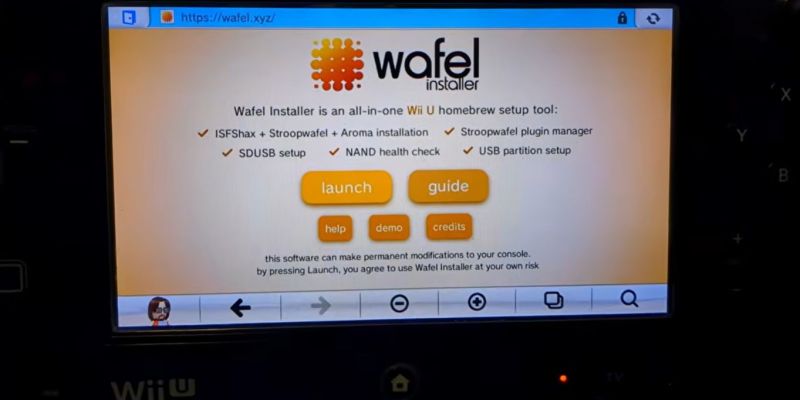
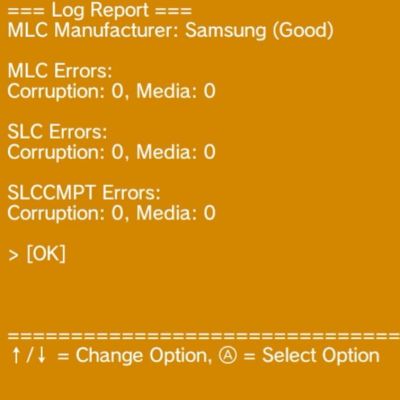
This doesn’t take much more than navigating to the wafel.xyz URL on the Wii U to launch the installer on any (unmodified) Wii U, or alternatively starting it from an SD card if you’re running a homebrew-enabled console. This can also install the Stroopwafel CFW, ISFSax and the Aroma homebrew environment, but the NAND testing option in the installer’s menu is what you want to select if you’re not into homebrew or have already cracked open the console for said sweet homebrew action.
All of this is covered in this video by [FunkyScott47], whose Wii U’s Samsung-branded eMMC is fortunately still all fine, but it shows off the variety of tests available. Unless the eMMC is already quite cooked this should take only a minute or two, so it’s pretty good for ease of mind.
With the heavily waffle, syrup and stroopwafel-coded naming scheme for these tools we can not be held responsible for a sudden case of the munchies, of course.