
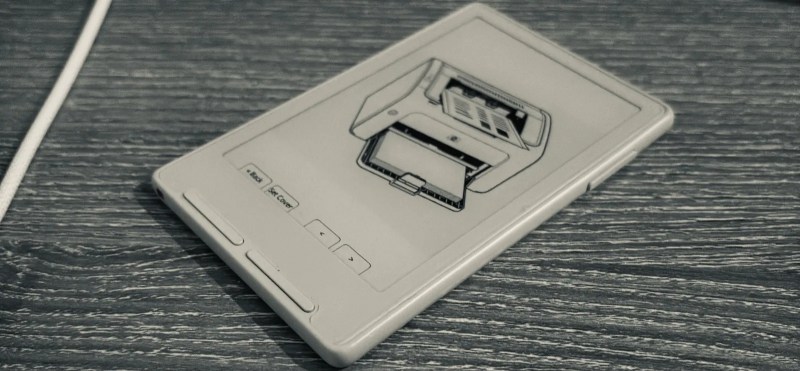
E-ink is supposed to be the electronic version of dead-tree paper, but there’s one enormous difference: how you get your images and text onto it. For paper, you print on it. E-ink? Well, it depends on what it’s hooked up to. If it’s an ESP32C3-based Xteink X4 and X3, then you can just print to that, too, thanks to [Nishant Joshi]’s fork of the popular CrossPoint firmware.
The fork implements the Internet Printer Protocol, IPP, on the ESP32-C3. It makes loading documents a breeze: select the printer in your operating system, and press print. To the computer, the reader advertises itself as a printer that provides monochrome, single-sided output at 300 DPI on A5 paper, and accepts Apple raster and PWG raster formats. Of course these raster images are enormous compared to the paltry RAM available on the microcontroller, so pixels are received and written row-by-row — both to the screen directly, and to the SD card for later perusal. That makes a folder on the SD card the equivalent of a printer’s output tray.
This interface is amazing in its simplicity, and we’d love to see it in other E-ink devices. It reminds us somehow of AlphaSmart word processors — which are still relevant today in large part because their ‘file transfer’ mechanism is to pretend to be a USB keyboard and type the document onto your computer. As long as IPP is available, so too will you be able to get documents onto this e-reader.